How to do the Nightwing AI trend on TikTok
There are three ways to make the Nightwing trend: mask up, whip pan, suit on. They differ in cost and effort, and above all in how cleanly the transition lands. Start with the photo, then pick a method.
Updated October 23, 2026
Before you start: a photo that works
This Nightwing trend tutorial covers three methods, and every one starts from a photo. The photo decides most of the result, so get it right once and reuse it for all of them.
- One person in the photo. Crop group shots so only you are left in the frame.
- Facing the camera. A straight-on face with both eyes visible works far better than a profile or a tilted head, because the mask sits right over your eyes.
- Waist-up or full body. The suit replaces your clothes, so a photo that shows your shoulders and build helps it fit.
- Good, even light. Skip heavy filters, sunglasses and hands over the face.
- A clear original. Use the photo itself, not a blurry screenshot of it. JPG, PNG or WebP up to 10 MB; HEIC works in Safari.
- Only people who agreed. Use your own photo, or one of a friend who is happy to be in it. No public figures and no minors.
Pick a photo where your face is sharp and well lit. The clip opens on your face before the mask goes on, and that is the moment people recognize you.
Method 1 – One-photo generator (the full transformation)
The generator remakes the trend's clip with you as the lead. You raise the mask, the camera whip pans, and you land in the black-and-blue vigilante suit, swinging two short batons. The reference clip uses an AI-generated person, not any creator's video.
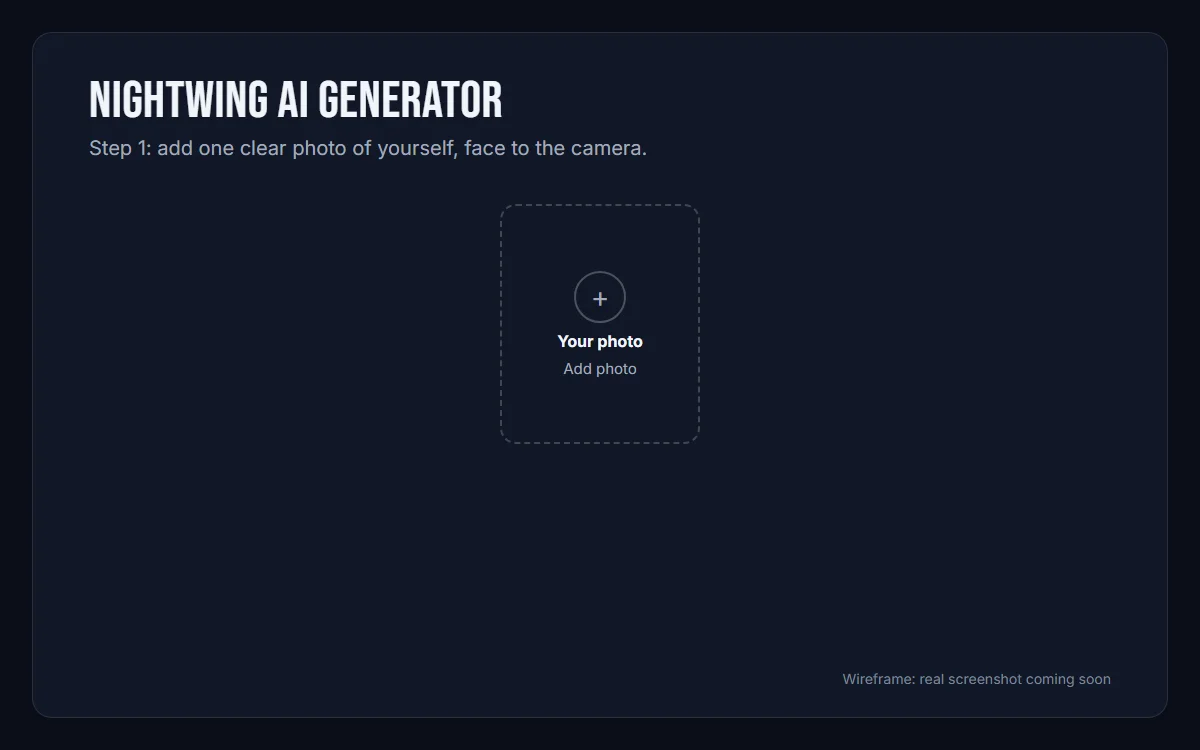
1Add your photo
Open the generator on the home page and sign in with Google. Add one photo: one person, face clearly visible.
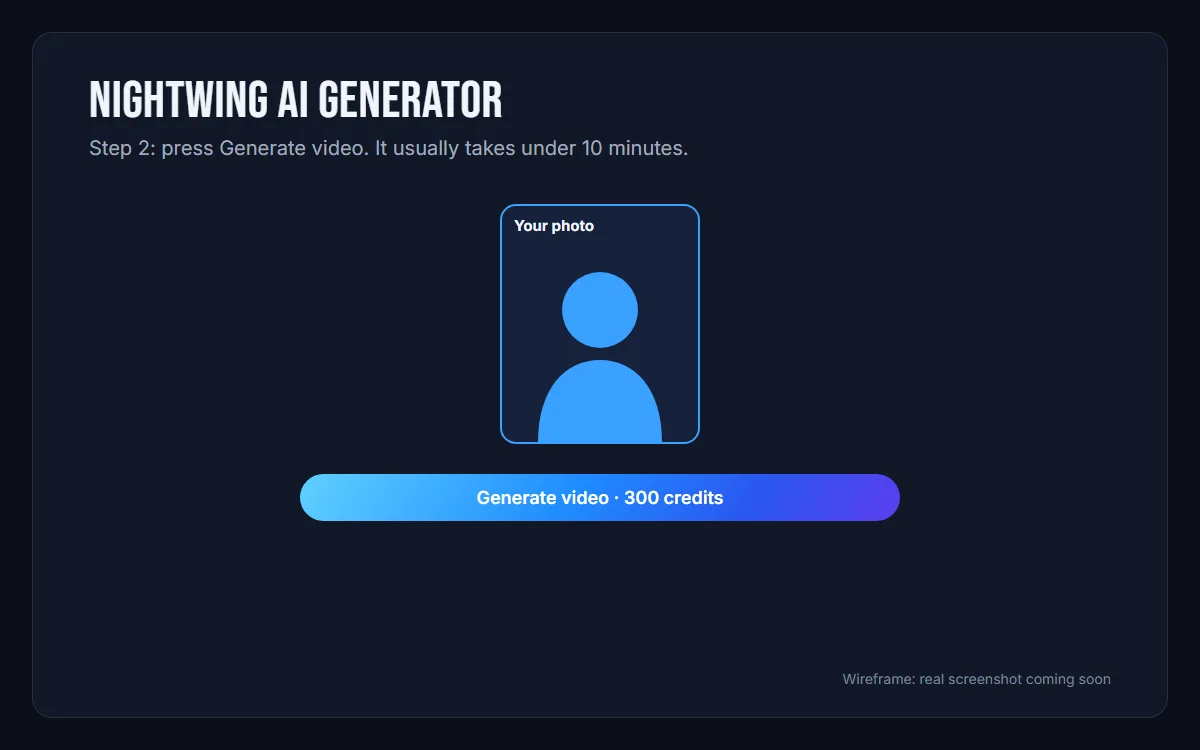
2Generate the video
Press Generate video. It costs 300 credits and takes about 10 minutes. You can leave the page; the video is saved in My videos. If a video fails, the credits are refunded automatically.
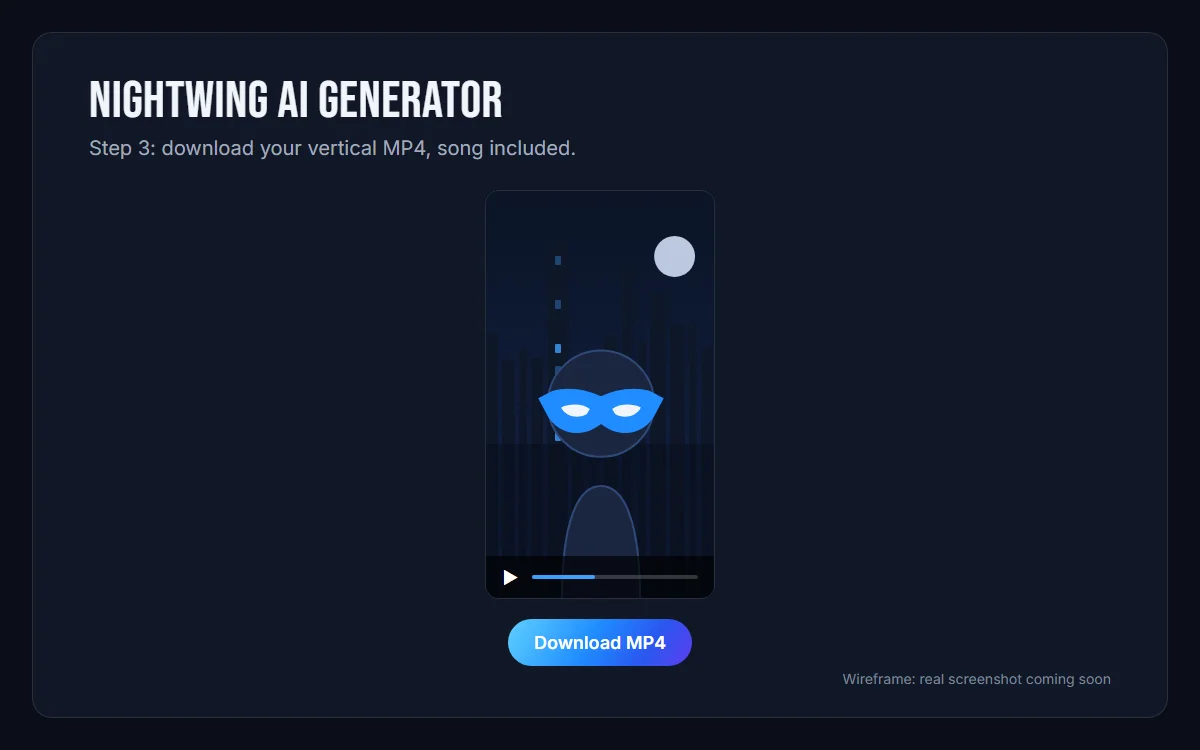
3Download your video
When it is ready, download the MP4 and post your suit-up wherever you like.
- Time
- About 10 minutes
- Output
- MP4, no watermark
- Cost
- 300 credits per video
- Watermark
- None
Method 2 – App templates (Kling, CapCut, Dola)
Many Nightwing trend videos on TikTok are made with a ready-made effect in an app such as Kling, CapCut, Dola, YouCam Video or HitPaw. You add a photo, the app applies a transformation someone else designed, and the result depends on that template.
- Find the Nightwing template in the app you use, or tap the template link on a TikTok video made with one.
- Tap Use template (the label differs from app to app) to open it.
- Add your photo in the slot the template asks for.
- Check the result, then export and share.
The catch
- The result is the template's version of the trend, and templates differ a lot in how cleanly they handle the mask raise and the whip pan.
- Free exports can carry a watermark, and some apps limit free uses or keep the best templates for paying users.
- Length, cuts and framing are fixed by the template, so you can't re-time the transition.
- Templates come and go. If one disappears, search the app for another Nightwing or superhero transformation template.
Method 3 – Write your own prompt (Kling, Veo, Sora)
If you would rather build it yourself, current video models can get close to the look. Kling, Veo and Sora all take a text prompt plus an optional start image. Starting from your photo (image-to-video) keeps your face far closer than text alone. Some people first make a still of themselves in the suit with an image tool, then animate it.
Start with this prompt, which describes the whole transformation, and change the description of the person:
A young adult in casual clothes stands facing the camera, waist-up. Setting: a city rooftop at night, skyline lights glowing behind them. Vertical cinematic look, one person in frame the whole time. No captions, no subtitles, no text, no logos, no emblems. Beat by beat: first the person, in their own clothes, looks into the lens and raises a black domino mask to their face. Then a fast whip pan blurs the frame sideways. The camera whips back to the same person, now wearing a sleek black bodysuit with blue accents across the chest and arms, a black domino mask over the eyes, and two short escrima sticks, same face. They spin the two sticks and finish in a confident hero pose.
A still-image prompt, a dance version and other settings, plus a negative prompt and settings, are on the Nightwing AI prompts page.
Expect randomness. Models often skip the mask raise, change the suit halfway through or keep the camera still instead of whip-panning. Budget several attempts and keep the best one.
Common problems
- The face doesn't look like the person
- Use a sharper, front-facing photo with even light, and crop so the face is larger in the frame. Remove sunglasses and heavy filters.
- The suit appears but your face changes
- Use a photo where your face is larger in the frame and lit from the front. In a prompt, describe the person as staying the same throughout, with only a small mask over the eyes.
- The camera doesn't move
- This happens with prompts. Describe each move in order (raise the mask, fast whip pan, suit revealed, batons swing) and add "static tripod shot" to the negative prompt.
- The transition doesn't hit the beat
- The generator keeps the song from the trend's clip, so the whip pan already lands where it should. With other tools, add the sound in TikTok or your editor and nudge it until the whip pan lands on a beat drop.
Which method should you pick?
| Compare | One-photo generator | App template | Your own prompt |
|---|---|---|---|
| Cost | Paid per video | Free tiers, often with limits | Free tiers, then paid credits |
| Time | About 10 minutes | A few minutes | Varies, several attempts |
| Transformation | Mask, whip pan, suit, batons | Set by the template | Random, rarely clean |
| Watermark | None | Possible on free exports | Depends on the tool |
| Music | The trend's song, already in the clip | The template's sound, or your own | Add it yourself |
Short version: if you want the full mask-up, whip pan and suit-on transformation with your own face, use the generator. If you want something quick and free and don't mind what the template does, use an app template. If you enjoy tinkering, write a prompt.
FAQ
How-to FAQ
How long does it take to make a Nightwing AI video?
With the generator on this site, about 10 minutes. You can leave the page; the result is saved in My videos. Writing your own prompt takes longer, because you will usually need several attempts.
Can I do the Nightwing trend for free?
Often, yes: app templates in Kling, CapCut or Dola and the free tiers of video models can cost nothing, though free use is usually limited and results vary. The generator here uses credits: a video costs 300 credits, and packs start at $9.90 for 300 credits, enough for one video.
Why does the generator need only one photo?
The trend has one person, and the clip transforms that one person. One clear photo of your face is enough to carry you through the mask raise, the whip pan and the suit reveal.
What photos should I use?
One person, facing the camera, in good light, waist-up or full body. JPG, PNG or WebP up to 10 MB; HEIC works in Safari. Only upload yourself or people who have agreed to it, and no public figures or minors.
Ready to suit up?
Upload one photo, press Generate video, and get your Nightwing AI transformation as an MP4 in about 10 minutes.
Make yours